Table of Contents
Last updated November 15, 2026
You can set the time and date on the Stratos and choose a 12-hour or 24-hour clock. The date stamps each entry in the logbook.
Date and Time Settings #
From the Home screen, press the center button, and select Settings → Date & Time.
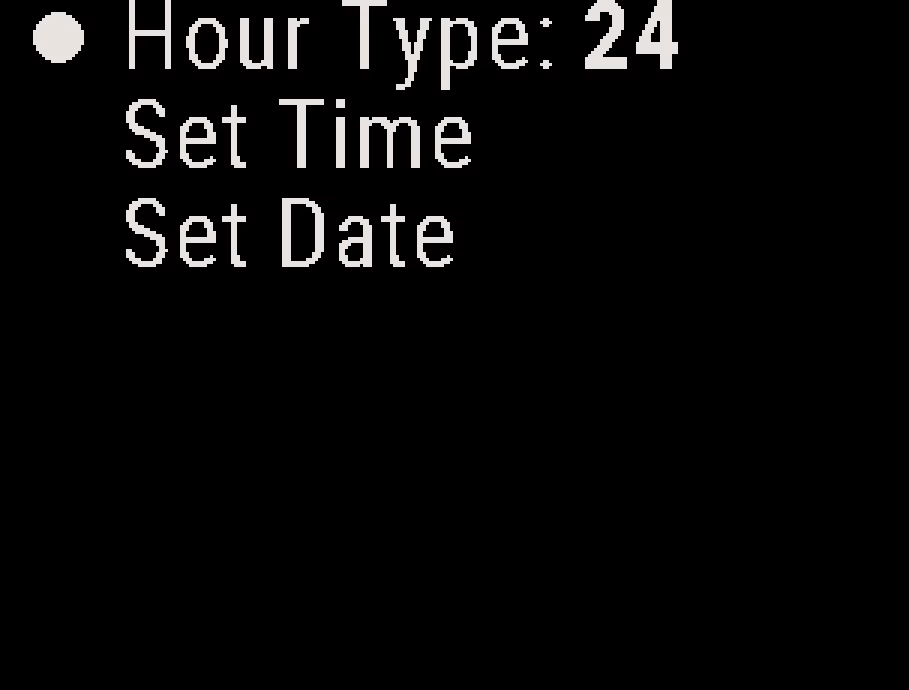
- Hour Type: Sets the Stratos to show the time in 12-hour or 24-hour format on the Home screen and in Recent Jumps. The default is 24-hour. The Home screen does not show am or pm.
- Set Time: Sets the time.
- Set Date: Sets the date.
Note
The Stratos does not set its clock from GPS.
The Deep and Steep app sets the date and time when you connect it. See Deep and Steep App Overview.
Setting the Time #
- From the Home screen, press the center button, and select Settings → Date & Time → Set Time.
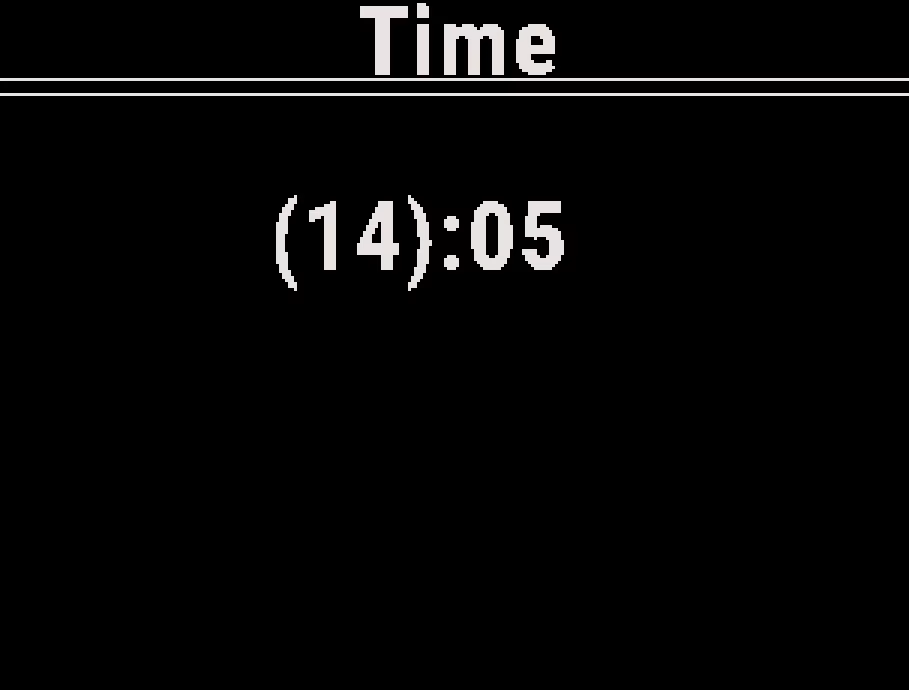
- Press the up or down button to change the hour.
- Press the center button, and press the up or down button to change the minutes.
- Press the center button. The Stratos saves the time.
Setting the Date #
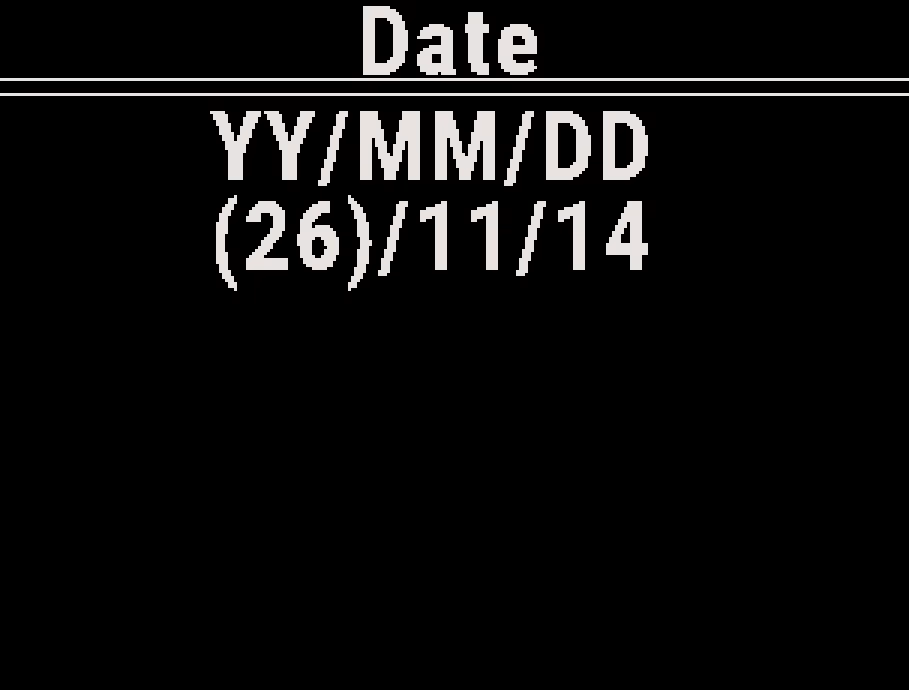
The Stratos shows the date as year, month and day (YY/MM/DD).
- From the Home screen, press the center button, and select Settings → Date & Time → Set Date.
- Press the up or down button to change the year.
- Press the center button, and press the up or down button to change the month.
- Press the center button, and press the up or down button to change the day.
- Press the center button. The Stratos saves the date.