
Last updated November 15, 2026
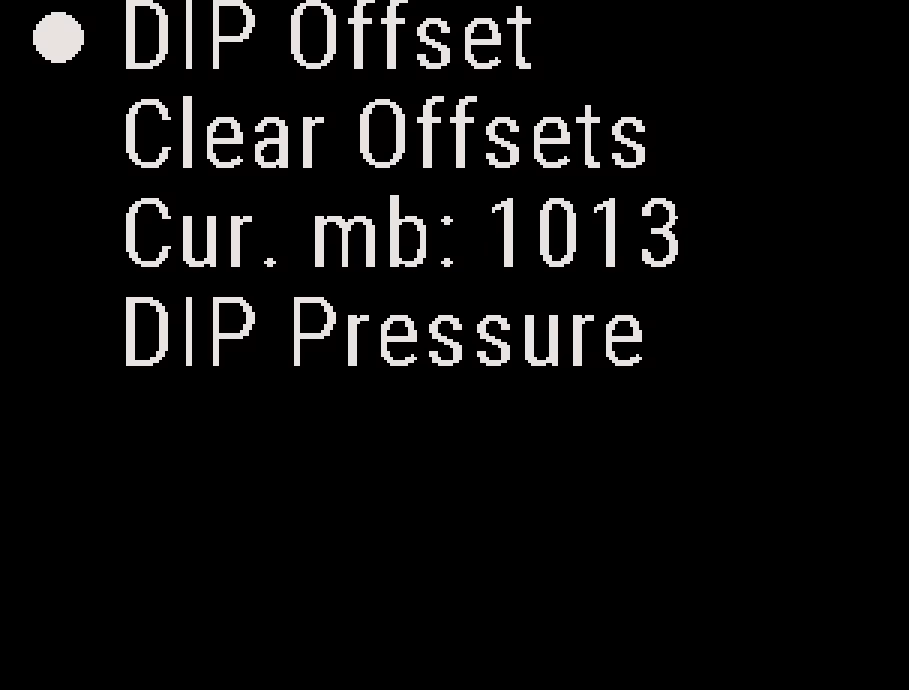
You can set a DIP offset for a jump into a remote location: an altitude offset or a DIP pressure (QFE). Use an altitude offset when you know the difference in elevation between the takeoff area and the DIP. Use a DIP pressure to set the altitude AGL from the known or forecast air pressure at the DIP.
Caution
Always use extra visual cues and conservative canopy approaches when jumping into an unfamiliar DIP. If the offset or the pressure is wrong or only an estimate, the altitude the Stratos shows is wrong too.
Both are on the Altitude menu. From the Altitude screen, press the center button.
Note
Cur. mb on this menu displays the current air pressure at your location, in millibars.
Setting an Altitude Offset #
- From the Altitude screen, press the center button, and select DIP Offset.
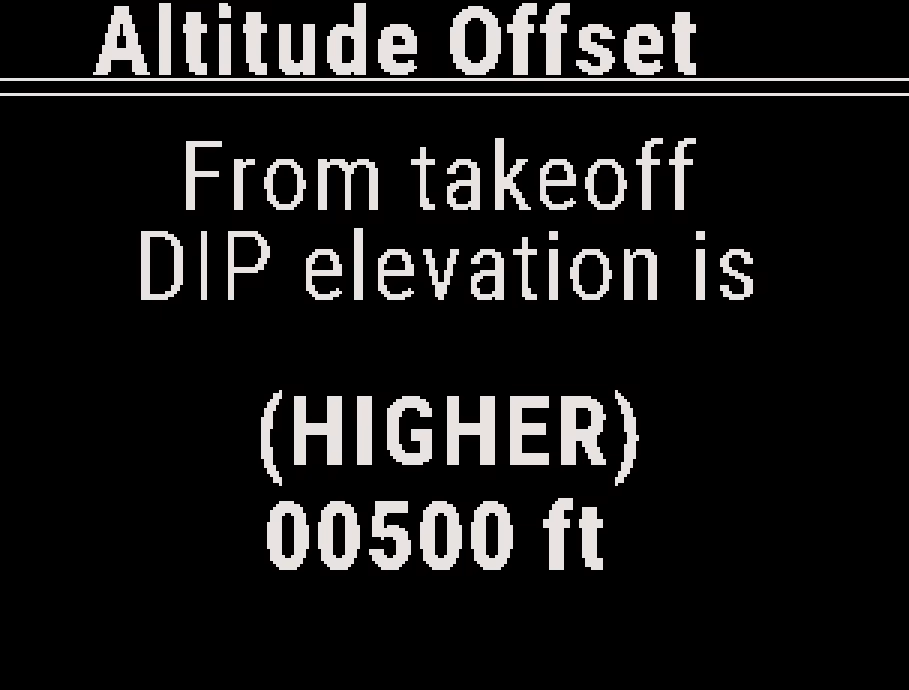
- The screen reads “From takeoff, DIP elevation is”. Select HIGHER or LOWER.
- Enter the difference between the takeoff elevation and the DIP elevation, in your altitude units.
Example
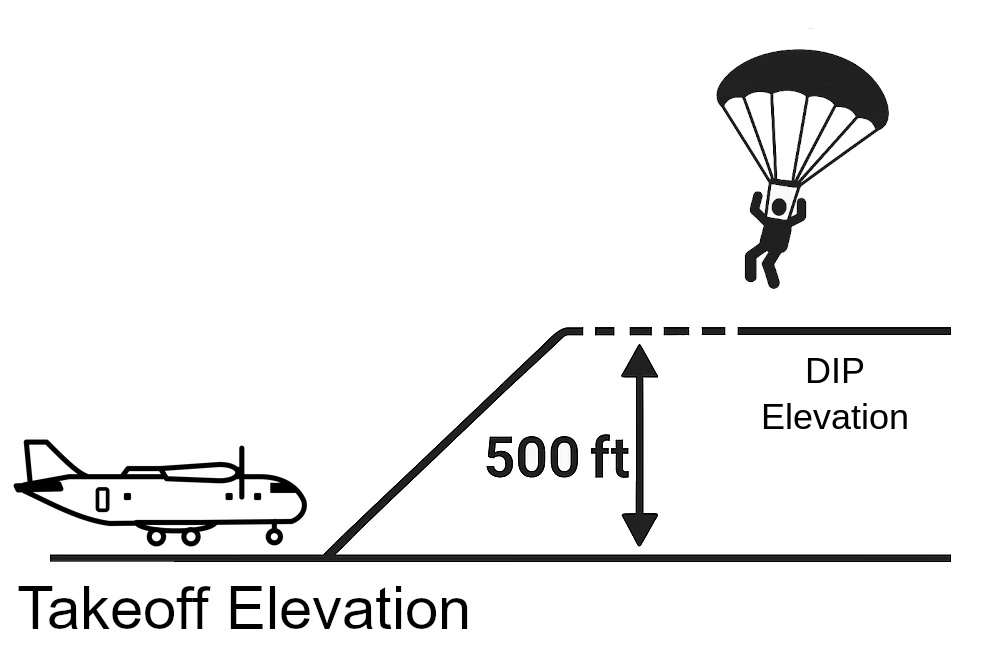
The DIP is 500 ft higher than the takeoff airport. To show the correct altitude AGL at the DIP, enter HIGHER and 500 ft.
- The offset can be up to 32,800 ft (10,000 m) higher or lower. The Stratos ignores a value outside that range, with no message.
- Enter 0 to clear the offset.
- When you reopen the DIP Offset screen in feet, it shows the value rounded to the nearest 10 ft.
After you land and the Stratos records the jump, it clears the DIP offset.
If the offset was wrong and the Stratos reads more than 165 ft (50 m) after landing, it does not register the jump and stays on the altitude screen. Perform a forced restart. See Stratos Tactical GPS Altimeter Overview. The Stratos does not record the jump in the logbook.
Setting a DIP Pressure #
- From the Altitude screen, press the center button, and select DIP Pressure.
- On the Millibars screen, enter the pressure at the DIP in millibars.
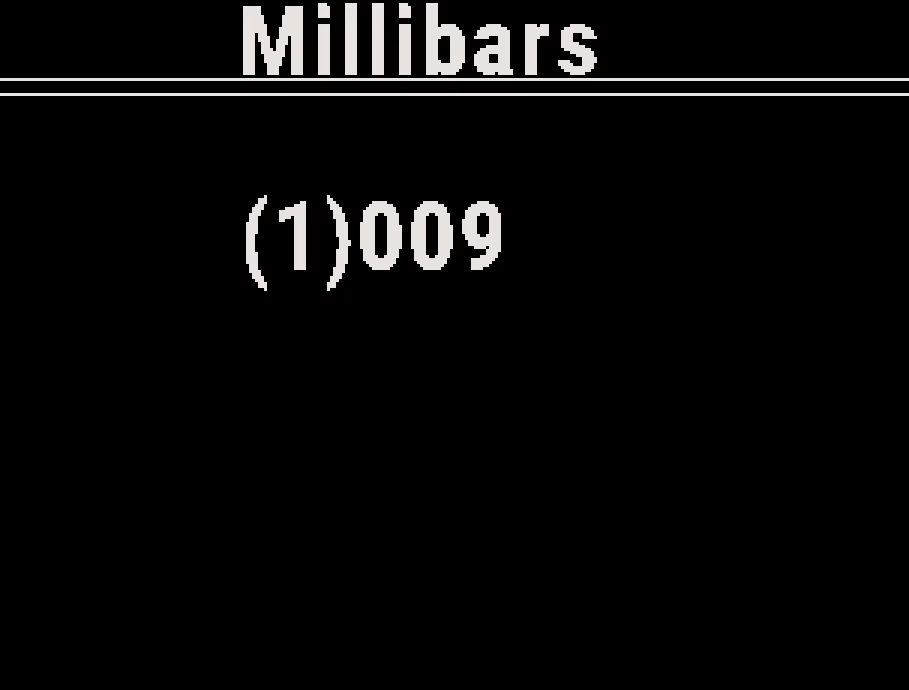
The Stratos then uses that pressure as the ground, and shows your altitude above the DIP.
- The pressure can be from 250 to 1100 mb. The Stratos ignores a value outside that range, with no message.
- Enter 0 to clear it. The Stratos then uses the takeoff elevation as the ground again.
The Stratos does not clear a DIP pressure after the jump. It stays set until you select Clear Offsets or restart the Stratos.
Checking and Clearing Offsets #
The Home screen shows the offset or pressure that is set. With an offset or pressure set, Cur AGL is your altitude above the DIP.
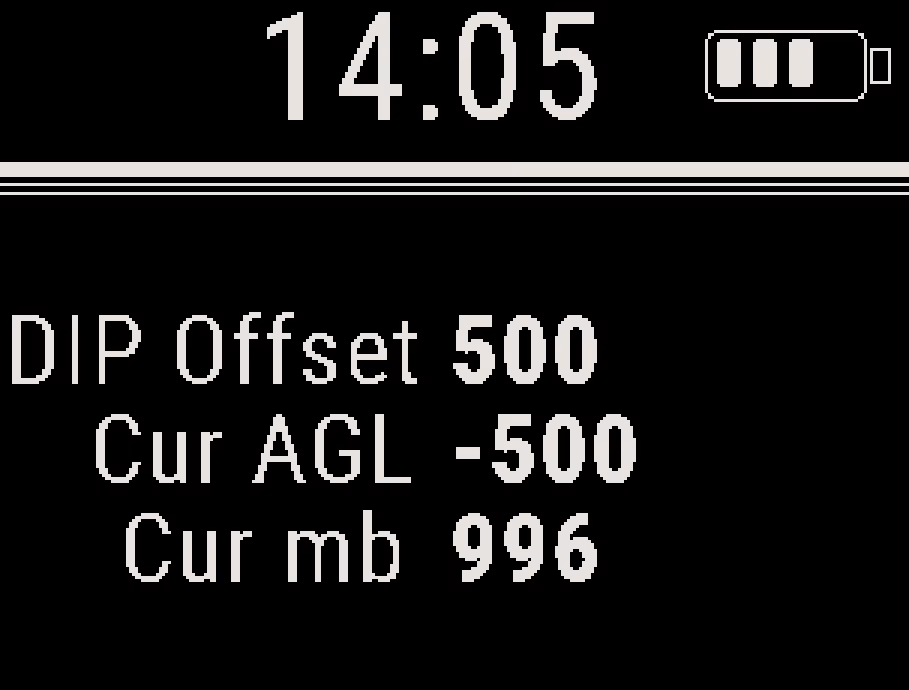
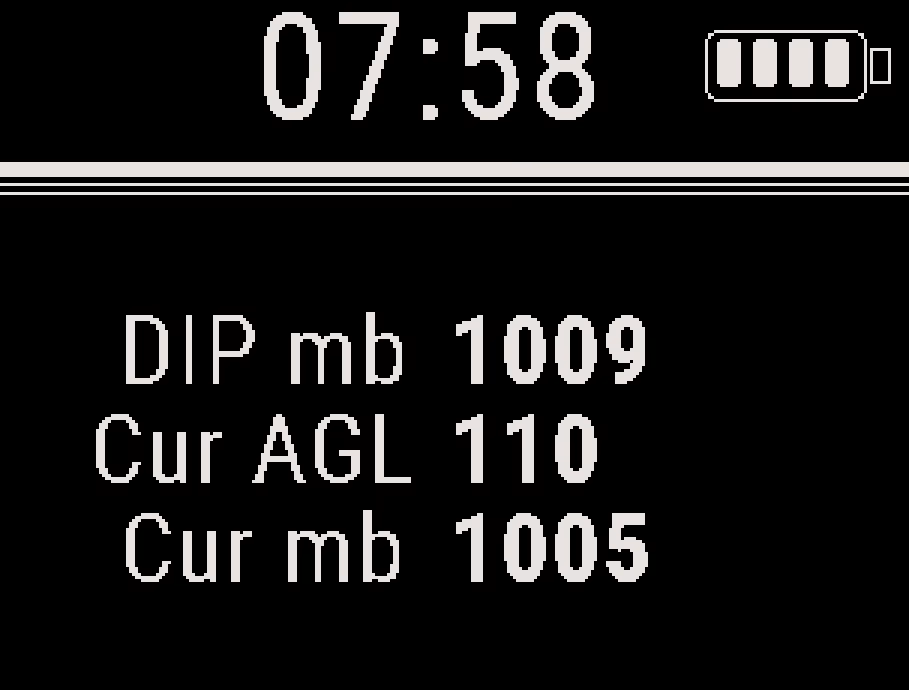
- You can set only one at a time: setting a DIP offset clears the DIP pressure, and setting a DIP pressure clears the offset.
- Clear Offsets on the Altitude menu clears both, and the Stratos uses the takeoff elevation as the ground again.
- Turning the Stratos off or restarting it also clears both.
- If a Soundlink is connected, it uses the offset or pressure too.
- You can also set an offset or pressure with the Deep and Steep app. See Deep and Steep App Overview.
- The Recent Jumps summary shows the DIP offset or DIP pressure used on each jump. See Logbook and Recent Jumps.


