
Last updated November 15, 2026
The Stratos keeps two jump counts: the jump number, which is your lifetime total, and the jump counter, which you can reset to 0 at any time. Both increase by 1 with each jump and are shown on the Logbook screen.
Setting Your Jump Number #
Before your first jump with the Stratos, set the jump number to your current total number of jumps.
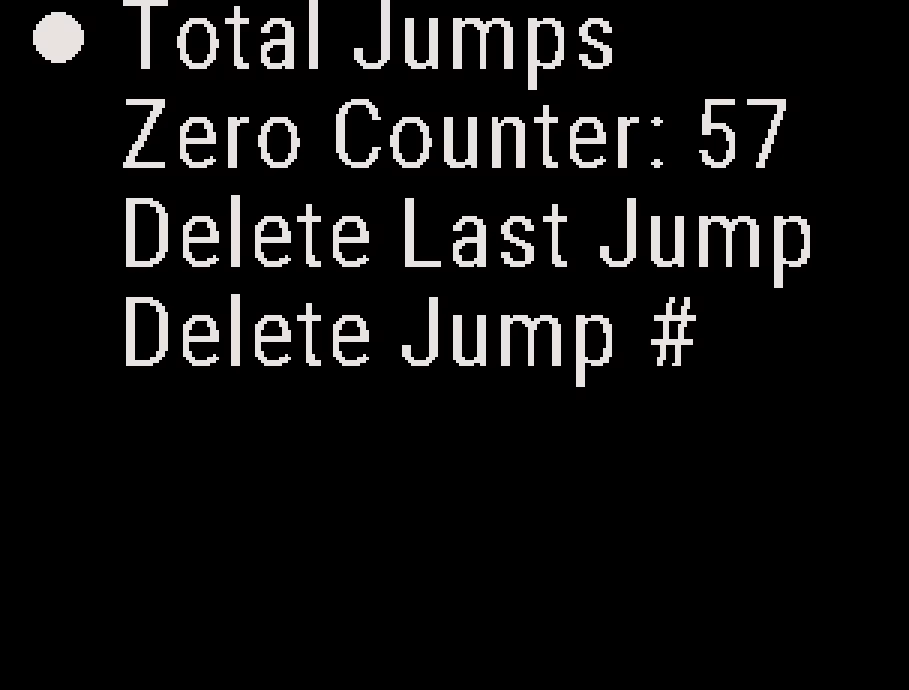
- From the Home screen, press the center button, and select Logbook → Total Jumps.
- Press the up or down button to set each digit, and press the center button to move to the next digit. After the last digit, the Stratos saves the jump number.
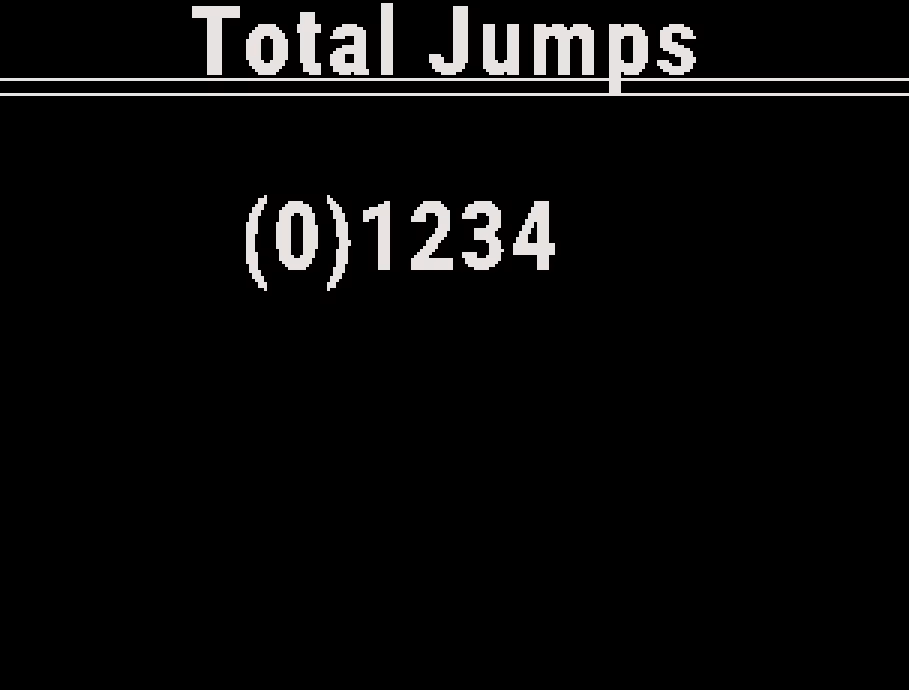
Example
You have made 100 jumps. Set Total Jumps to 100. The Stratos logs your next jump as jump 101.
Resetting the Jump Counter #
You can use the jump counter to count jumps over a period of your choice, for example:
- jumps on a canopy line set
- jumps during a training camp
From the Home screen, press the center button, and select Logbook → Zero Counter. The menu item shows the current count. The Stratos sets the counter to 0.
When you delete your last jump, the Stratos lowers both the jump number and the jump counter by 1. See Logbook and Recent Jumps.


