
Last updated November 15, 2026
You can lock GPS recording with a four-digit PIN for operations where the Stratos must not keep a record of where it has been. While recording is locked, the Stratos records no GPS tracks and adds no jumps to the logbook. GPS navigation keeps working.
Locking GPS Recording #
- From the Home screen, press the center button, and select System → GPS → Lock Recording.
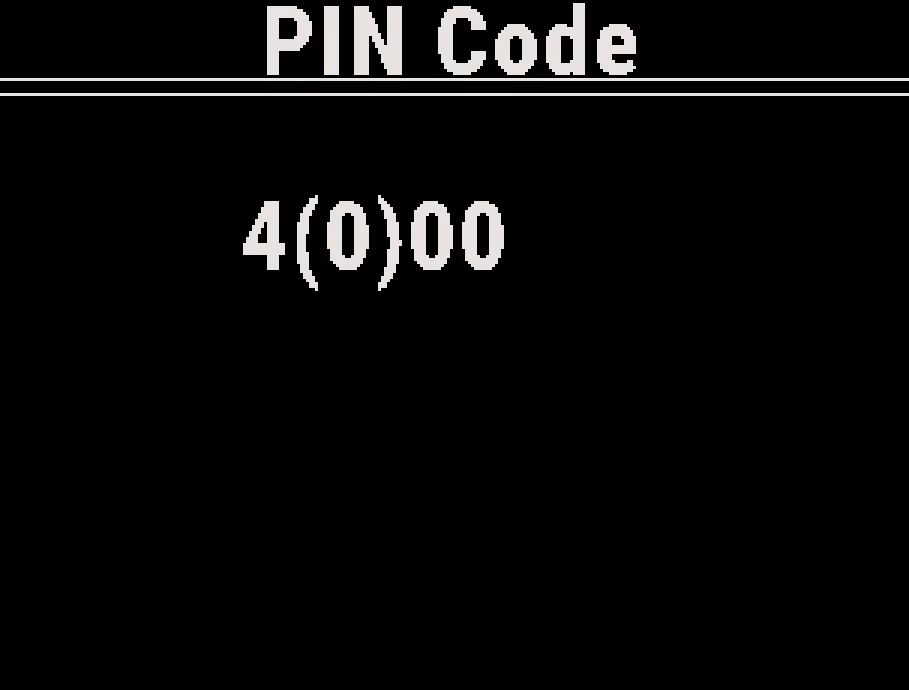
- On the PIN Code screen, press the up or down button to set each digit, and press the center button to move to the next digit.
- After the last digit, the Stratos shows GPS recording locked.
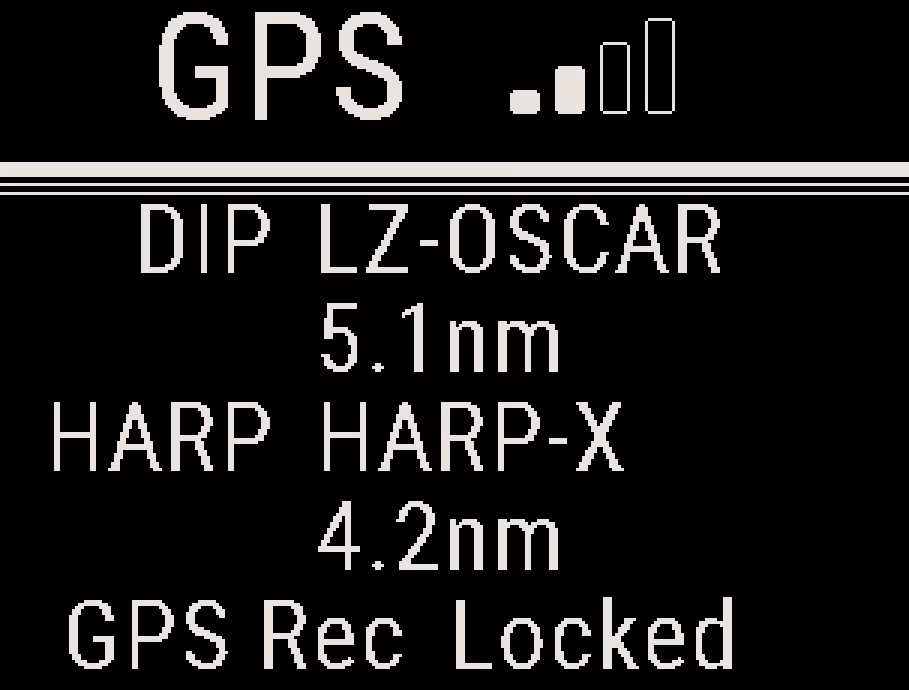
While recording is locked, the GPS screen shows GPS Rec Locked, Rec on the GPS menu shows Locked, and the menu item reads Unlock Recording.
While Recording Is Locked #
- The Stratos records no GPS track. A track that was recording when you locked it stops, and the Stratos does not save it.
- The Stratos does not add jumps to the logbook or to Recent Jumps.
- The jump number, the jump counter and the freefall and canopy totals still increase. After a locked jump, the jump number moves on with no logbook entry for that jump.
- GPS navigation still works in the aircraft, in freefall and under canopy.
- You cannot change the recording mode until you unlock recording.
Data Already on the Stratos #
Locking does not delete anything. GPS tracks, markers and logbook entries recorded before you locked recording stay on the Stratos. The Deep and Steep app and USB Connect can still read them.
Caution
Before you rely on the lock, delete what is already stored. Use Delete All Tracks (see GPS Tracks and Recording Options) and delete the logbook entries (see Logbook and Recent Jumps).
Unlocking GPS Recording #
- From the Home screen, press the center button, and select System → GPS → Unlock Recording.
- Enter the same PIN.
- The Stratos shows GPS recording unlocked, and the recording mode changes back to Auto.
If the PIN is wrong, the Stratos shows Pin code did not match, and recording stays locked. The app and USB Connect cannot read or remove the PIN.
Firmware Updates and a Forgotten PIN #
A firmware update clears the lock and turns GPS recording back on. If you forget the PIN, update the firmware to unlock recording. See Stratos Firmware Update.


