
Last updated November 15, 2026
The Stratos has two training aids for instructors and students: Lockdown mode, which locks the Stratos on a simple altitude screen, and Freefall Demo, which runs a mock freefall on the ground.
Both are in the Training menu. From the Home screen, press the center button, and select Training.
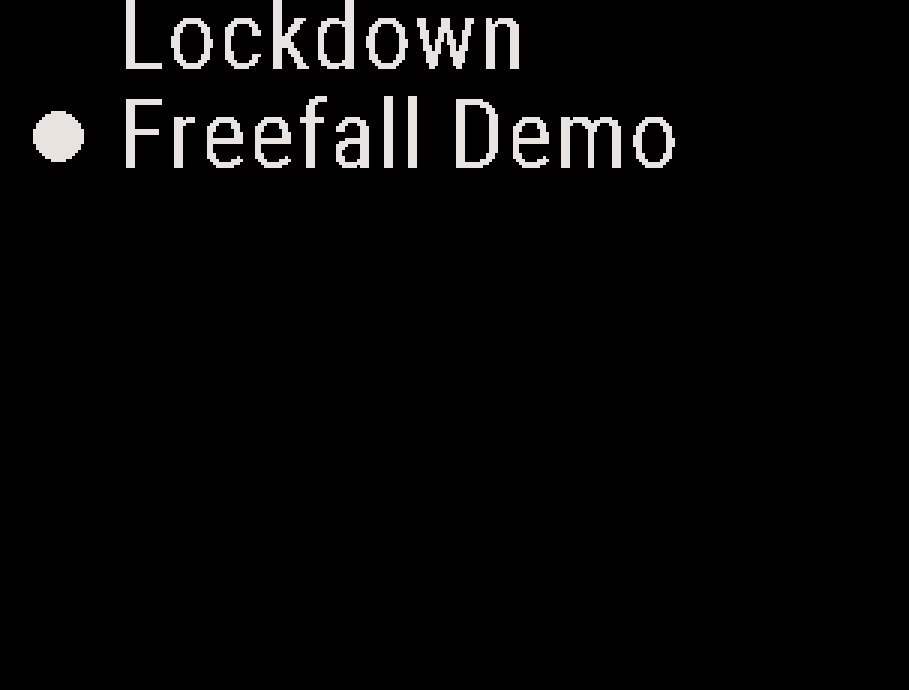
Using Lockdown Mode #
Lockdown mode turns off the buttons and keeps the altitude screen on at all times. It uses the standard altitude display, with large numbers and none of the GPS fields that can distract a student on early jumps.
- Set up the Stratos for the student, for example the display units.
- From the Home screen, press the center button, and select Training → Lockdown. The Stratos shows Locking device and then the altitude screen.
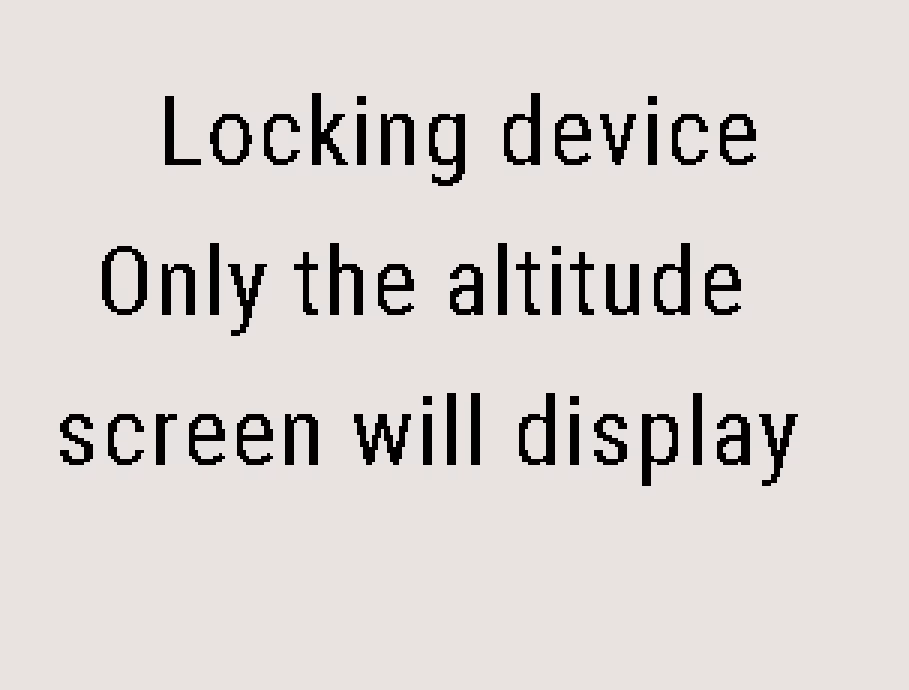
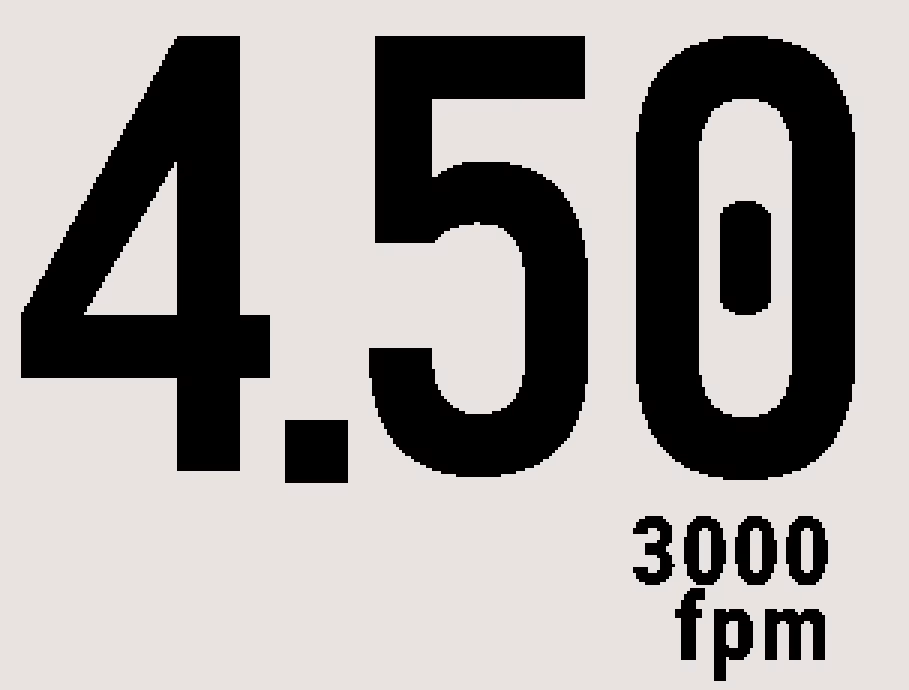
In the climb, the screen also shows the climb rate below the altitude. The student cannot change settings or open the menus.
The Stratos still records a GPS track of each jump in Lockdown mode, so you can use it in the debrief.
To exit Lockdown mode, perform a forced restart. A forced restart is also how to turn the Stratos off while it is locked. See Stratos Tactical GPS Altimeter Overview.
Running the Freefall Demo #
Freefall Demo runs a mock freefall from 13,000 ft to 4,000 ft at a standard belly-to-earth speed of about 5.5 seconds per 1,000 ft. You can use it to train students for altitude checks and to show them how long a freefall lasts.
- From the Home screen, press the center button, and select Training → Freefall Demo. The demo starts at 13,000 ft.
- To end the demo early, press the center button.
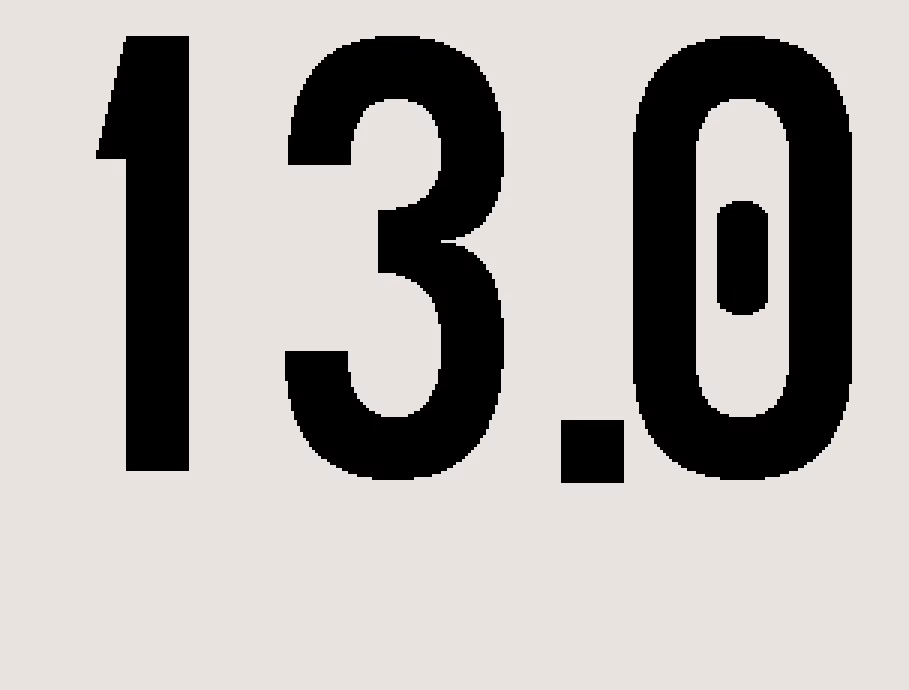
The demo runs only on the ground. In the aircraft, the Stratos shows Not allowed at this time.


