
Last updated November 15, 2026
The Stratos has a display light for night jumps and dark aircraft. The light is readable without affecting your night vision.
Automatic Light #
By default, the Stratos uses a light sensor to turn the light on when it is dim.
- On the ground and in the aircraft, the light turns on for 15 seconds when you press a button.
- In freefall and under canopy, the light turns on and stays on until you land.
The automatic light helps when it is darker than you expected, for example in the back of a closed aircraft. For a planned night jump, turn the light on.
Turning On the Light #
- From the Home screen, press the center button.
- Select Light. The setting changes from auto to on. Select it again to set it back to auto.
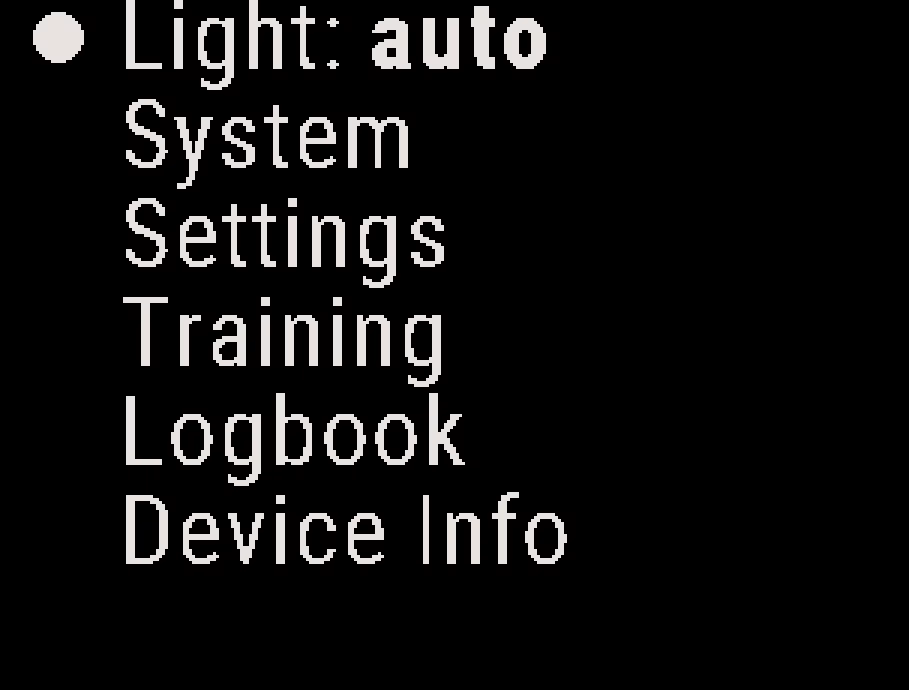
The light stays on through the ride to altitude, freefall and the canopy descent. For example, if you turn the light on during your gear check, it stays on until you land.
After you land, the Stratos sets the light back to auto to save battery. A forced restart or turning the Stratos off also sets the light back to auto.
Setting the Light Sensitivity #
You can set how dark it must be before the automatic light turns on.
- From the Home screen, press the center button, and select System → Misc.
- Select ALS. Each press of the center button changes the value to the next number, from 1 to 5.
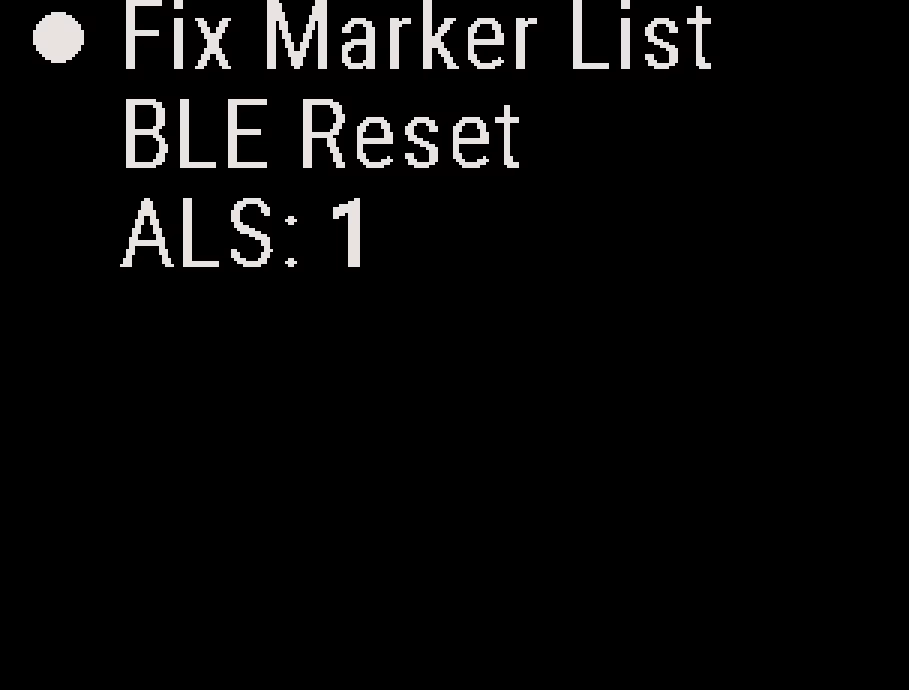
A higher number turns the light on in brighter conditions. A lower number waits until it is darker. The default is 1. The Stratos saves the setting.
Caution
A higher ALS number uses more battery, because the light turns on more often in normal use.


