
Table of Contents
Last updated November 15, 2026
You can set the magnetic declination so the Stratos shows ground track in degrees magnetic instead of degrees true. On jump run, the aircraft heading you compare it with is usually in degrees magnetic.
The declination changes the ground track on the Stratos and on the HUD. Saved GPS tracks keep true north.
Setting the Magnetic Declination #
- From the GPS screen, press the center button, and select M. Declination.
- Press the up or down button to choose plus or minus, and press the center button.
- Press the up or down button to set each digit, and press the center button to move to the next digit. After the last digit, the Stratos saves the declination.
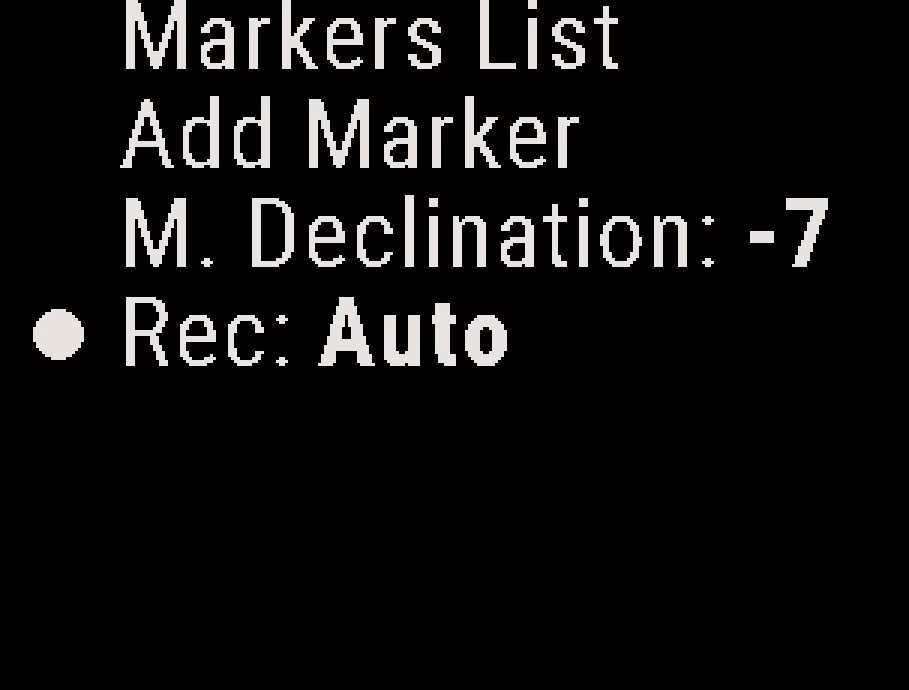
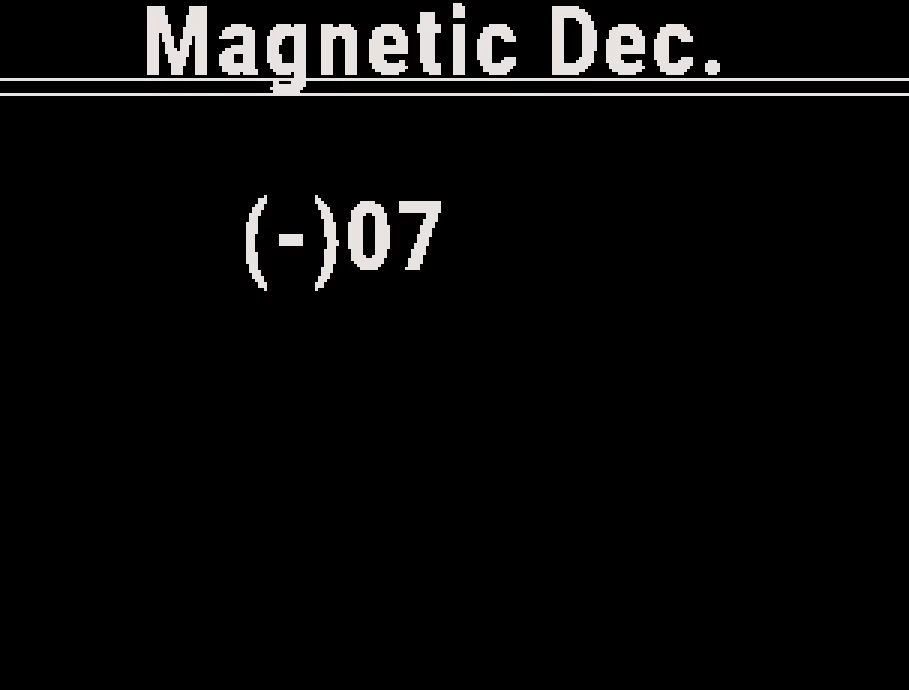
You can also set the declination with the Deep and Steep app. See Deep and Steep App Overview.
Declination Values #
- East declination is positive. West declination is negative.
- Enter whole degrees.
- A declination of 0 shows the ground track in degrees true.
Look up your local value at magnetic-declination.com and enter it before you jump.
The Stratos keeps the declination when you turn it off. A firmware update sets it back to 0.


