
Table of Contents
Last updated November 15, 2026
You can change the speed the Stratos uses to tell freefall from canopy flight. Most jumpers never need to change it; the Slow option is for slow wingsuit flights.
Changing the Freefall Speed #
- From the Home screen, press the center button, and select Settings.
- Select FF Speed. Each press of the center button changes the setting between Normal and Slow.
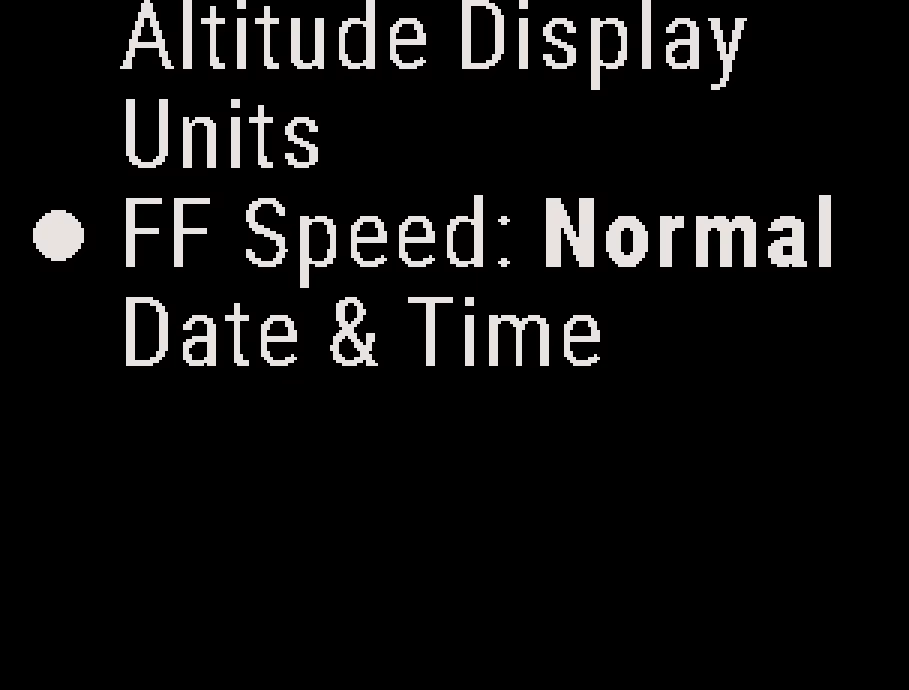
Freefall Speed Settings #
- Normal: Sets the Stratos to detect freefall above about 80 mph (130 km/h). This is the default.
- Slow: Sets the Stratos to detect freefall above about 30 mph (47 km/h). Use this option only for slow wingsuit flights.
Caution
With the Slow option and a small, fast canopy, the Stratos can record the whole jump as freefall. Set FF Speed back to Normal after your wingsuit jumps.


