
Table of Contents
Last updated November 15, 2026
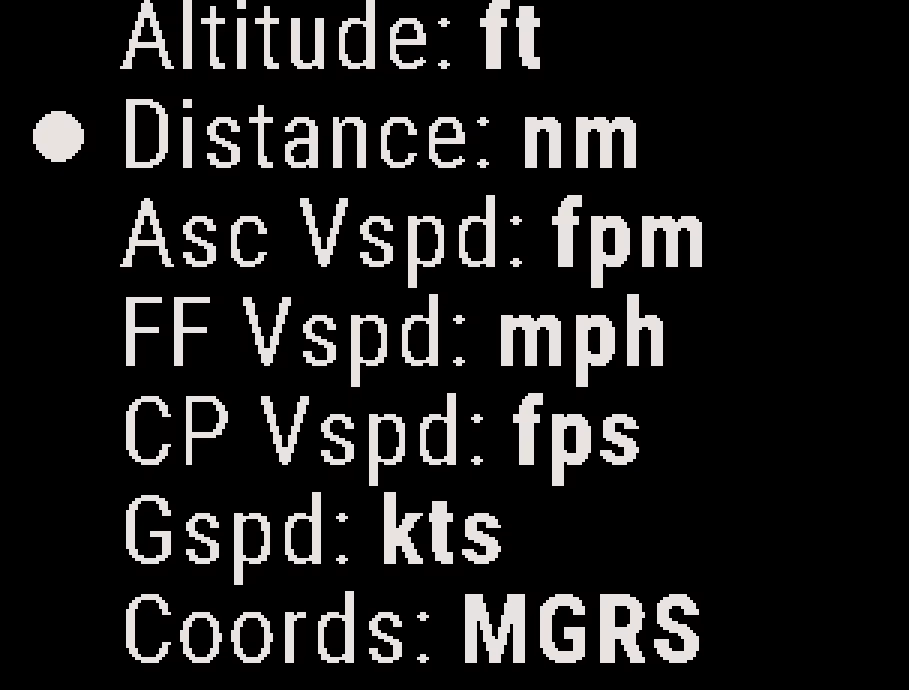
You can choose the units the Stratos uses for altitude, distance, vertical speed, ground speed and coordinates.
Changing the Units #
- From the Home screen, press the center button, and select Settings → Units.
- Select a setting. Each press of the center button changes the setting to the next unit.
You can also set the units with the Deep and Steep app. See Deep and Steep App Overview.
Units Settings #
| Setting | Options | Default |
|---|---|---|
| Altitude | ft, m | ft |
| Distance | nm, mi, km | nm |
| Asc Vspd | fpm, m/s | fpm |
| FF Vspd | fpm, fps, mph, m/s, kph | mph |
| CP Vspd | fpm, fps, mph, m/s, kph | fps |
| Gspd | kts, mph, kph | kts |
| Coords | MGRS, Lat/Lon | MGRS |


